 Colour Cozy
Apps like Happy Color: how to pick the right alternative
Happy Color is a classic tap-to-fill number app. If you want something similar but a little different, start by deciding what you want to change.
In this guide
Good apps like Happy Color fall into five groups: other tap-to-fill number apps, swipe-to-color apps such as April, coloring apps with a free brush mode such as Colour Cozy (coming soon to Google Play), pixel art number apps, and printable paper pages. Pick by what you want to change: the way you color, the art style, or how ads and purchases work.
Happy Color is one of the best-known color by number games. Its App Store listing describes classic coloring, visual puzzles, pixel art and optical illusions, plus official art with Marvel, Disney and Star Wars characters. It is free to download with in-app purchases.
(If the app itself is the problem, try our fixes for when Happy Color keeps crashing first. And if a picture is stuck one cell short, see how Happy Color hints work.)
So why look for apps like Happy Color at all? Usually for one of three reasons: the pictures start to feel samey, tapping cells stops feeling like coloring, or you want something calmer or simpler for a child. The right alternative depends on which of those is true for you.
What people usually want from a Happy Color alternative
Before you install anything, name the one thing you want to be different. It saves a lot of trial and error.
- "I want more of the same." You like tap-to-fill and just want new pictures. Another number app will do.
- "I want to actually color." You miss moving a pen. Look for swipe or brush coloring.
- "I want a different look." Pixel art, mandalas or cute kawaii pictures can make a number app feel fresh again.
- "I want it simpler for my kid." Look closely at ads, purchases and accounts before anything else.
- "I want a break from screens." Paper is a real option, and a good one.
Five kinds of apps like Happy Color, compared
Store details change often, so treat this as a map, not a ranking. Always read an app's own store page before you install it.
| Kind | How you color | Good if you want | Example |
|---|---|---|---|
| Tap-to-fill number app | One tap fills a numbered cell | More pictures, same feel | Happy Color itself, and many similar apps |
| Swipe to color | Swipe over the picture to paint it in | Movement, still guided | April (check the store page) |
| Free mode + brushes | Fill, or paint stroke by stroke with tools | Texture and freedom | Colour Cozy (coming soon) |
| Pixel art by number | Tap tiny squares, one number at a time | A blocky, puzzle-like look | Search "pixel art color by number" |
| Paper pages | Pencils, crayons or markers | No screen at all | Printable coloring sheets |
If the second or third row sounds like you, our guide to finding a color by number app that you actually color has a two-minute test for telling swipe, brush and tap apps apart.
How to test an alternative in ten minutes
You can learn most of what matters about a coloring app in one short session. Here is a simple routine.
- Read the store listing first. Look for the words "tap", "swipe", "brush" or "free mode", and scroll to the in-app purchase list to see what is sold.
- Open the simplest free picture. Big shapes show you quickly whether coloring fills or paints.
- Press and drag slowly across one shape. If color follows your finger, it is a brush or swipe app. If the whole shape appears at once, it is tap-to-fill.
- Finish one small picture. Notice what happens at the end: a reward screen, an ad, a replay or nothing at all.
- Check the settings. Look for sound controls, restore purchases and anything about accounts or sign-in.
- Decide on feel, not on picture count. A huge library does not help if the coloring itself feels flat to you.
Where Colour Cozy fits
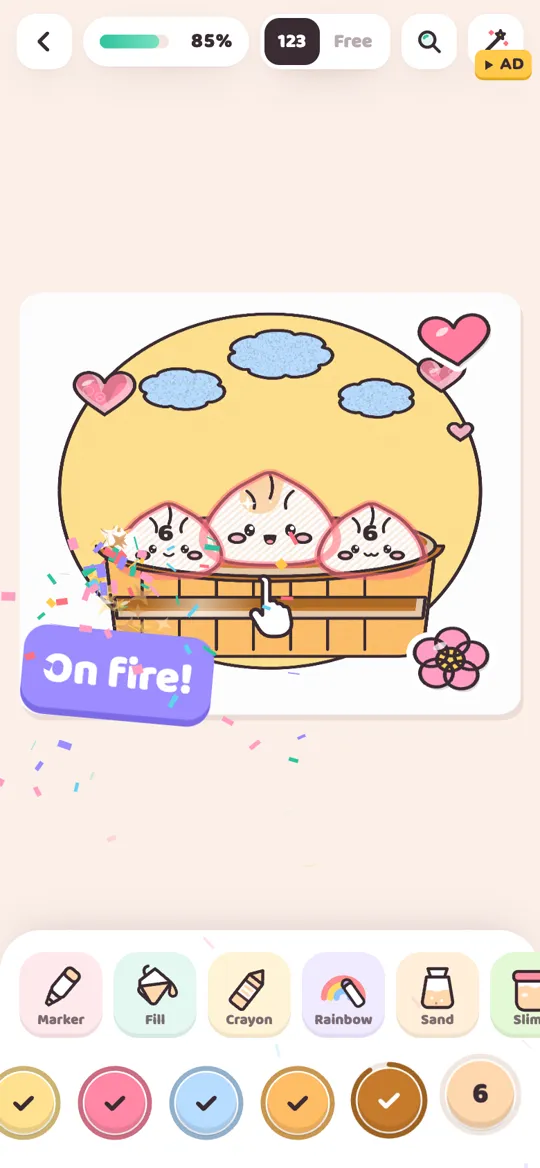
We make Colour Cozy, so here is what it does, kept to the facts. It is a calm coloring game for Android, coming soon to Google Play. You trace each picture's outline first, then switch between 123 (color by number) and Free with a toggle at the top.
In number mode you tap a number to pick its color and tap an area to fill it, much like Happy Color. The difference is that you can also paint a shape stroke by stroke. There are 12 tools: fill with a wet edge, marker, crayon, rainbow, ombre, sand, spray and stickers, plus the pro tools slime, glitter, puffy paint and neon. A gentle hint shows the right number if you pick a wrong color, and there are no timers.
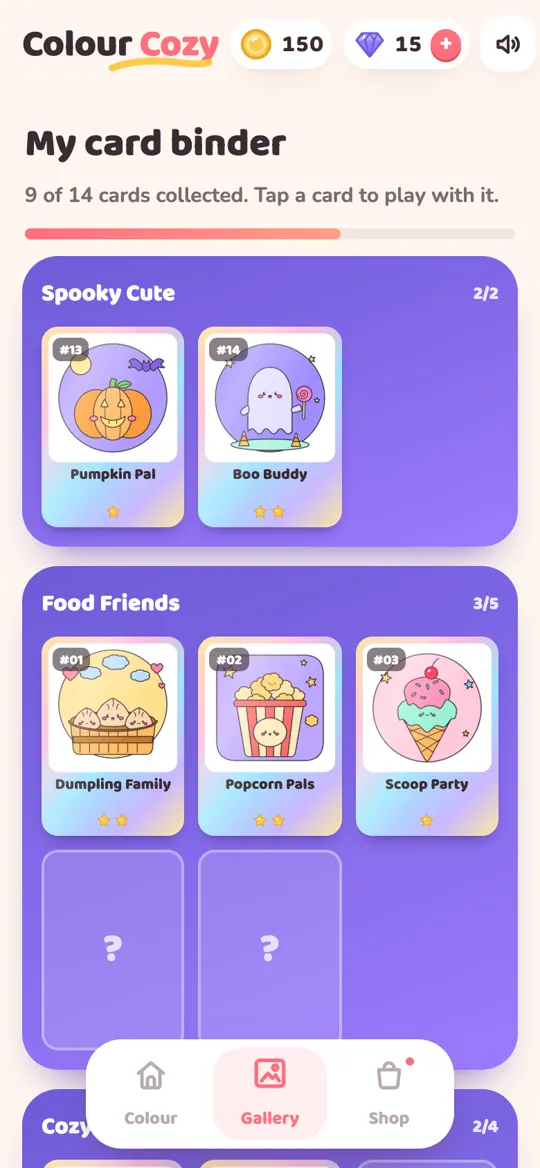
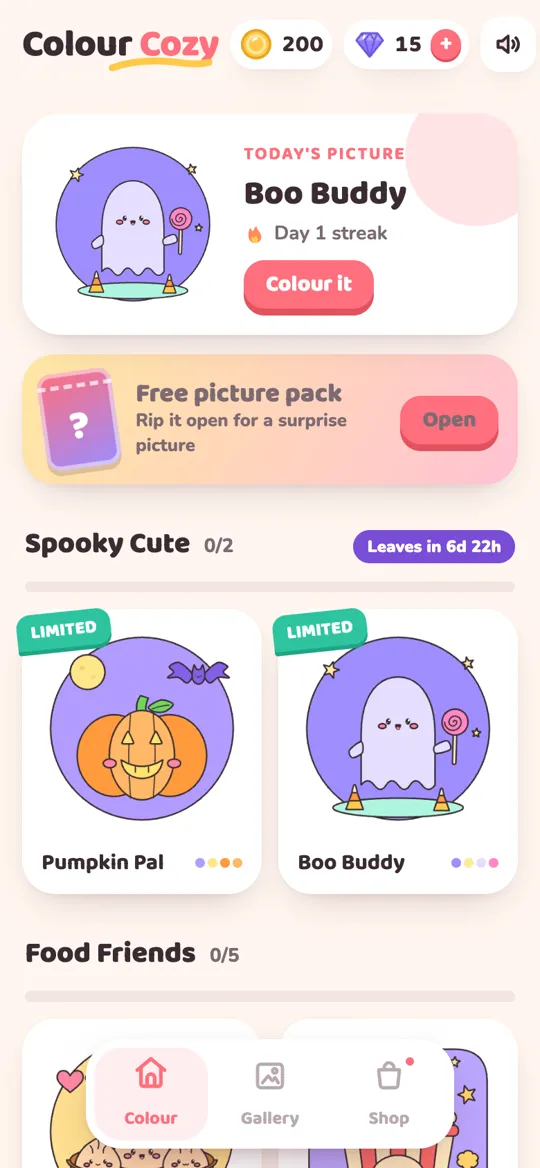
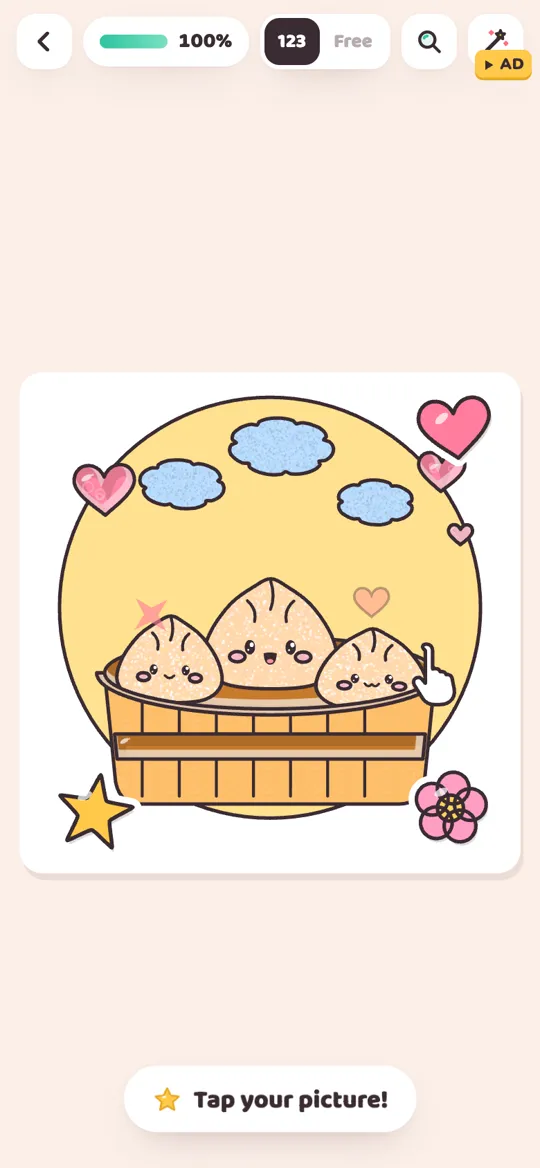
When you finish, the picture comes alive (the dumplings wiggle, the whale swims) and plays a timelapse of everything you colored. Each finished picture also becomes a foil card in a binder. There is a free picture pack every day, with cute themes such as dumplings, boba, ice cream, a baby dino, a sleepy bunny, a whale, a rainbow unicorn and a monster truck. Our card binder guide shows how the collection works.
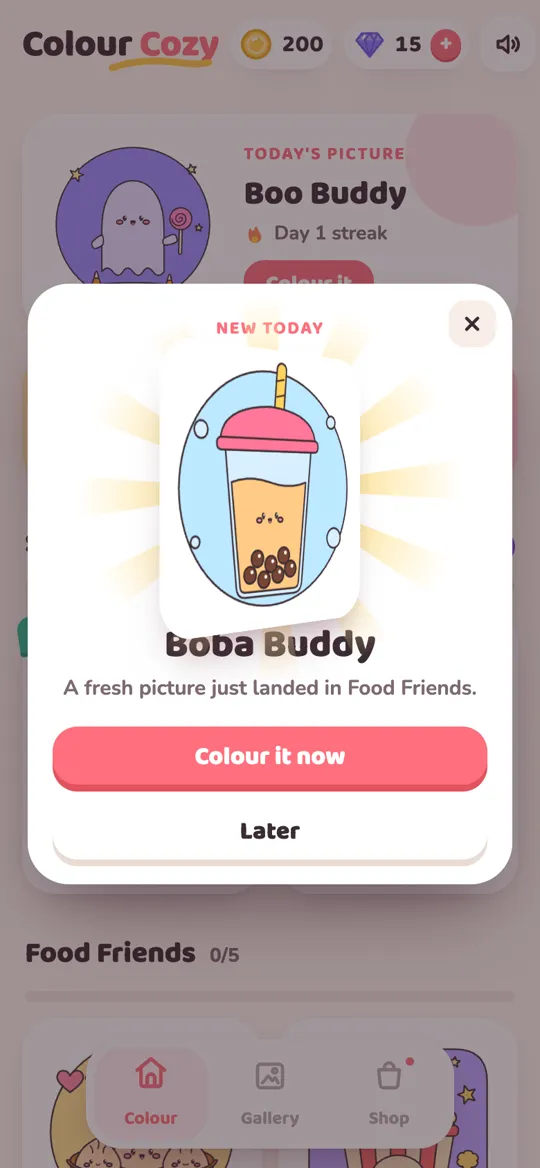
To be clear about the trade-offs: Colour Cozy is free with optional reward videos, an occasional full-screen ad after a finished picture (no banners) and optional in-app purchases. Some tools and color packs unlock with a video, gems or a purchase. There is no account, and progress is saved on your device. Its picture library is small and cute rather than huge, and it has no licensed characters, so if you mainly want famous franchises, Happy Color's own catalog is the better match.
Picking an alternative for a child
If you are choosing for a younger player, the coloring style matters less than how the app makes money and what it asks for. Check three things on the store page: the age rating, the in-app purchase list, and the data safety or privacy section. Then play a few pictures yourself before handing it over, and notice when ads appear.
Our parent checklist for coloring apps walks through each of these in more detail, and the post on how child-directed ads work explains what changes for players under 13.
Tips to make any coloring app feel new again
You do not always need a new app. Sometimes a new habit is enough.
- Set yourself a palette. In free mode, pick four or five colors and stick to them. The limited palette challenge has ideas.
- Color in your own order. Start with the background or the biggest shape instead of number 1.
- Try a stylus. It makes swipe and brush apps feel closer to a real pen.
- Mix screens and paper. Our honest look at digital vs paper coloring helps you decide when each one fits.
FAQ
What are some apps like Happy Color?
Other tap-to-fill color by number apps feel the most similar. If you want something a bit different, try a swipe-to-color app such as April, a coloring app with a free brush mode such as Colour Cozy (coming soon to Google Play), or a pixel art number app.
How much does the Happy Color app cost?
Happy Color is free to download. Its App Store listing shows in-app purchases, including Premium options, so check the store page in your country for current prices and what each option includes.
Is the Happy Color app safe for kids?
Check the age rating, the in-app purchase list and the privacy details on the official store page, then try a few pictures yourself before handing it over. Our parent checklist for coloring apps explains what to look for.
Is there a Happy Color alternative where you paint instead of tap?
Yes. Swipe-to-color apps let you swipe over a picture to color it, and apps with a free mode let you paint stroke by stroke. In Colour Cozy you can tap to fill or paint with tools like marker, crayon and spray.
Does Colour Cozy have Disney or Marvel pictures?
No. Colour Cozy has its own cute pictures, such as dumplings, boba, a baby dino, a sleepy bunny, a whale and a rainbow unicorn, plus color packs like Pastel, Neon and Galaxy. It has no licensed characters.