 Colour Cozy
Color by number app with no ads: what "no ads" really means
Very few free coloring apps have zero ads. Here is how to spot the ones that come close, and what you trade for it.
In this guide
A color by number app with truly no ads is usually either paid up front, built without ads by design, or free with a one-time "remove ads" purchase or a subscription. Most free apps show some ads. Before you install, check the store page for a "Contains ads" label and read the in-app purchase list, then play one picture to see when ads appear.
When people type "color by number app no ads" into a search bar, they are really searching for calm. You want to fill in a picture without a video jumping in halfway through. That is a fair wish, and it is possible, but the word "free" and the words "no ads" rarely sit together.
This guide explains how coloring apps actually pay for themselves, how to read a store page in two minutes, and how to cut interruptions in the app you already have. We also show exactly how ads work in our own game, Colour Cozy, because you should not have to guess.
Why most free coloring apps show ads
Someone has to pay for the artists, the servers and the updates. A free app usually does it in one of three ways, often mixed together:
- Ads you did not ask for, such as a banner at the bottom or a full-screen ad between pictures.
- Ads you choose, often called reward videos: you watch one to unlock a picture, a color or a hint.
- Purchases, such as gems, picture packs, a one-time "remove ads" item or a subscription.
So the honest question is not "which app has no ads?" but "which kind of ads can I live with, and what does it cost to switch them off?"
The four ways apps handle ads, compared
| Model | What you see | What it costs you | How to spot it on the store page |
|---|---|---|---|
| Free with ads | Banners and/or full-screen ads | Nothing, but interruptions | "Contains ads" label, no remove-ads item |
| Free + one-time "remove ads" | Ads until you buy once | A single purchase | An in-app item named something like "No Ads" |
| Free + subscription | Ads and locked pictures until you subscribe | A repeating charge | "Weekly", "Monthly" or "Annual" plans in the purchase list |
| Paid or ad-free by design | No ads at all | The download price, or nothing | No "Contains ads" label, often no purchases |
The listing for Paint.ly: Color by Number is a good example of the mixed model: it shows "Contains Advertising", lists weekly, monthly and annual plans, and also sells an item called "Coloring with no ads". Many popular coloring apps work in a similar way, which is why reading the purchase list matters more than the app's name.
If you are comparing big names, our guide to apps like Happy Color groups the main alternatives by how you color, not just by price.
How to check any app for ads in two minutes
You can learn almost everything before you install. Here is the routine we use.
- Look for the ads label. On Google Play it says "Contains ads" under the app name. On the App Store, check the age rating details for "Contains Advertising".
- Open the in-app purchase list. On the App Store it is under Information. On Google Play, the listing says "In-app purchases", and the details show up inside the app's shop. Look for words like "No Ads", "Remove Ads", "Premium" or "VIP".
- Check for repeating plans. If you see "weekly" or "monthly", removing ads may mean a subscription, not a one-time buy.
- Read the newest reviews, not the star score. Search the reviews for "ads" to see when people meet them: on launch, between pictures or in the middle of coloring.
- Play one full picture. Note when the first ad appears and whether it can be closed. One picture tells you more than any description.
- Check the restore button. A one-time purchase should come with "Restore purchases" so you keep it on a new phone.
How to see fewer ads in a coloring app you already use
If you like your app and just want fewer interruptions, these steps help without paying anything:
- Skip optional videos. Buttons with an "AD" or play icon are usually reward videos. If you do not tap them, they do not play.
- Use free colors and tools first. Locked items are often where reward videos live.
- Finish fewer, longer pictures. If an app shows ads between pictures, a big picture means fewer breaks per hour than many small ones.
- Turn the sound down before you start. Ads with sound are the most jarring part, especially in a quiet room.
And if you do pay, a one-time remove-ads item is usually simpler to manage than a subscription you have to remember to cancel.
How ads work in Colour Cozy
We make Colour Cozy, a calm coloring game for Android that is coming soon to Google Play. It is not ad-free, so here is exactly what you will meet, taken from the game itself.
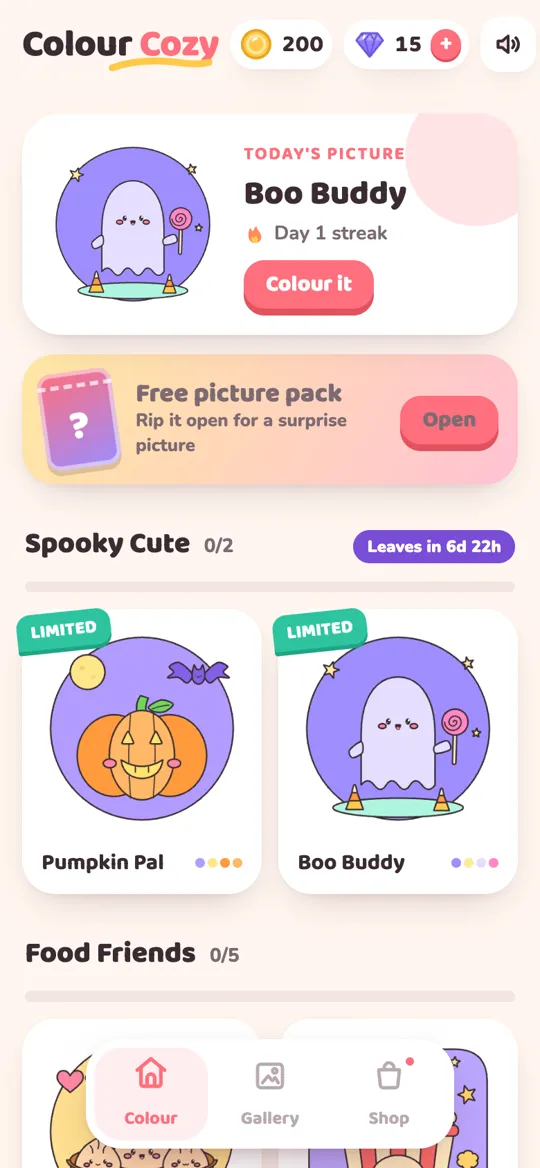
- Reward videos you choose. Buttons marked "AD" let you watch a video to unlock a color pack, try a pro tool, use magic fill or get extra coins. Nothing plays unless you tap one.
- An occasional full-screen ad after a finished picture. Never while you are coloring, not in your first few sessions, and with a gap of a few minutes between them.
- A small banner on the home and gallery screens. Never in the coloring screen, the shop or a pop-up.
- A one-time "No Ads" purchase. It removes the full-screen breaks and the banner, while the optional reward videos stay available if you still want them. There is also a "Restore purchases" button in the shop.
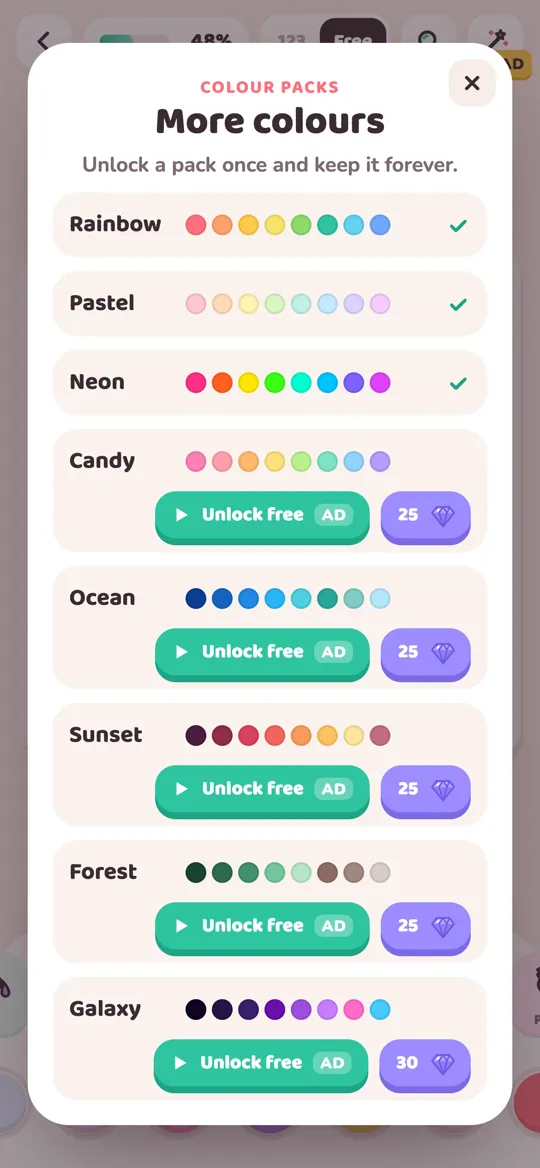
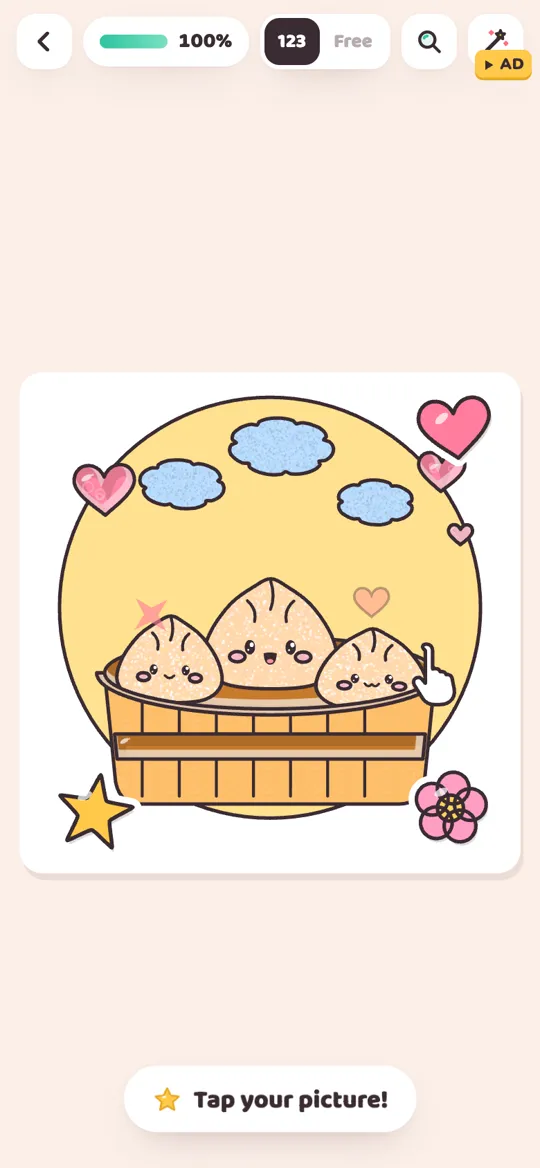
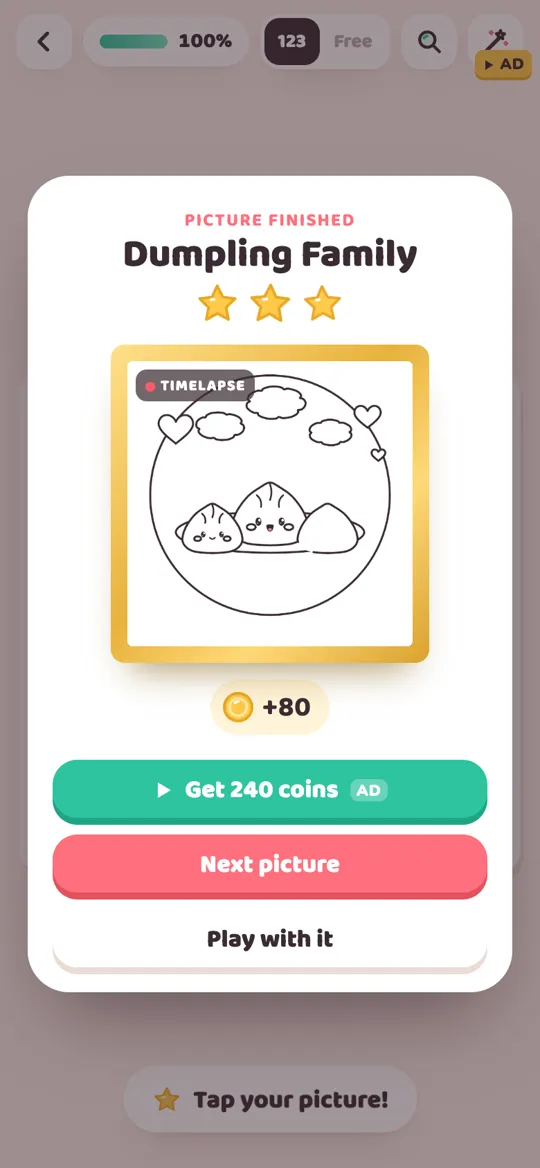
You can see the pattern on the screen above. Every video is labelled "AD", and each one is a choice. Unlock a color pack once and you keep it, as our guide to unlocking colour packs explains. The finished-picture screen in the header image works the same way: "Get 240 coins" is a video you can watch, and "Next picture" simply moves on.
For players under 13, the game only asks for child-directed, non-personalised ads, and there is no account or sign-up. If you want to know what that means in practice, read how child-directed ads work.
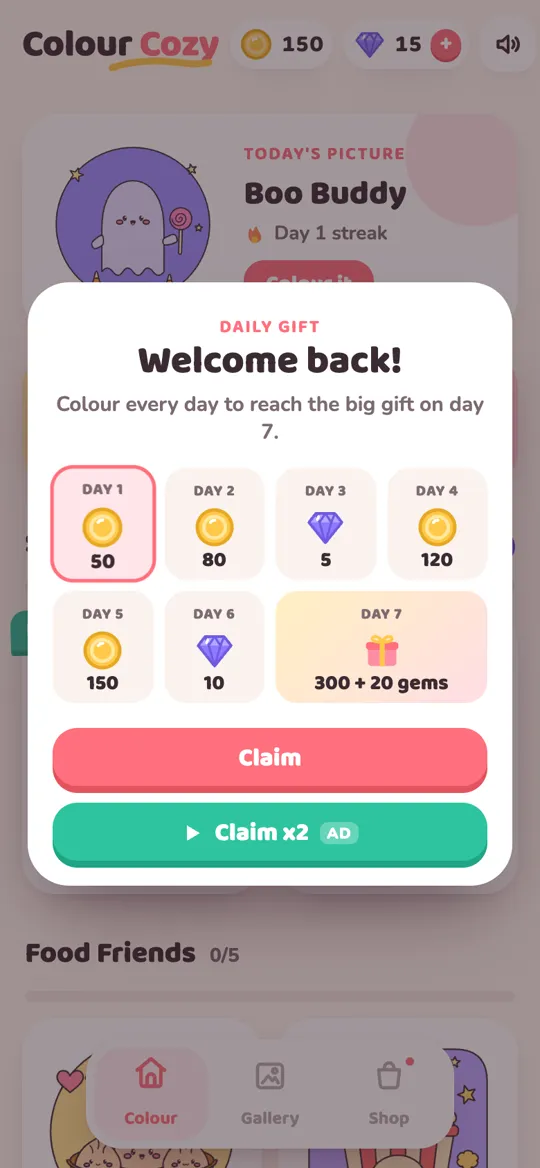
What you get for those trade-offs: you trace each picture, then color by number or freely with 12 tools, from a wet fill and crayon to sand, slime and glitter. There are no timers, and finished pictures come alive and play a timelapse. If tap-to-fill feels flat to you, our post on finding a color by number app that you actually color explains the difference.
Which option should you pick?
- You never want to see an ad: look for a paid app or one built without ads, and confirm there is no "Contains ads" label.
- You are happy to pay once: pick a free app with a one-time remove-ads item and a restore button.
- You do not want to pay at all: pick an app where most ads are optional videos, and simply skip them.
- You want a break from screens: print a page and use real pencils. Our look at digital vs paper coloring helps you choose.
FAQ
Is there a color by number app with no ads?
Yes, but they are rare among free apps. Look for paid apps or apps whose store page has no "Contains ads" label. Many free apps also sell a one-time "remove ads" item or include ad removal in a subscription.
What is the best free color by number app without ads?
Most free apps show some ads, so look for one where the ads are optional videos you choose to watch. Check the store page for the ads label and the purchase list, then play one picture before deciding.
How do I stop ads in a coloring app?
Skip buttons marked "AD", use the free colors and tools first, and check the shop for a one-time "No Ads" or "Remove Ads" item. Turning on airplane mode is not a reliable fix, because some features need a connection.
Does Colour Cozy have ads?
Yes. Colour Cozy has optional reward videos, an occasional full-screen ad after a finished picture and a small banner on the home and gallery screens. There are no ads while you color, and a one-time No Ads purchase removes the breaks and the banner.
Is a no ads subscription worth it?
It depends on how often you color. A subscription keeps charging until you cancel it, while a one-time remove-ads purchase is paid once. Read what each plan includes on the store page before you decide.