 Colour Cozy
Color by number app for kids: how to pick a safe one
The right app depends on your child's age and on how it handles ads, purchases and data. Here is a quick way to choose and set it up.
In this guide
A good color by number app for kids matches your child's age, labels every ad, puts purchases behind a grown-up check and does not need an account. Toddlers do best with apps made only for young children, such as Color by Number: Kids' Games, while older kids often enjoy general apps like Happy Color or a game with more tools, like Colour Cozy (coming soon to Google Play). Check the store page, then play one picture yourself before handing it over.
Kids love color by number for the same reason grown-ups do: a number tells you where to tap, and a picture slowly appears. The hard part is not the coloring. It is finding an app that does not surprise you later with a pop-up shop, a chat feature or an ad your child taps by accident.
This guide sorts the options by age, compares a few real apps using only facts from their store pages, and gives you a five-step setup. It works whether you pick our game or someone else's.
What makes a coloring app safe for kids
"Safe" means different things to different families, but four checks cover most worries:
- Ads you can see coming. Every video should be labelled, and nothing should play in the middle of coloring.
- A grown-up check before money. A child should meet a question only an adult can answer before any purchase screen.
- No account, no chat. A coloring app does not need your child's name, email or photo, and it does not need strangers to talk to.
- No pressure. No timers, no lives to lose, no "hurry, offer ends soon" pop-ups aimed at kids.
Our longer parent checklist for coloring apps turns these into ten questions. Here we focus on choosing a color by number app in particular.
Which kind of app suits which age
Color by number apps come in three broad styles, and each fits a different stage.
Ages 2 to 5: apps made only for young kids. Big shapes, few numbers, often letters or simple sums instead. They usually sit in the store's Kids section, which has stricter rules for ads and links. Expect a subscription rather than ads in many of them.
Ages 6 to 9: simple tap-to-fill with big cells. Kids this age can match numbers fast and enjoy finishing many pictures. Pinch zoom and a hint button matter, because tiny cells frustrate small fingers.
Ages 9 and up: apps with real tools. Older kids often want to choose their own colors and try effects. Apps with a free mode, brushes or textures keep them interested longer. If your child keeps asking "can I pick my own color?", our comparison of color by number vs free coloring explains the difference.
A few real options, compared
These facts come from each app's own store page or, for ours, from the game itself. Labels and plans can change, so open the current listing before you decide.
| App | Made for | Coloring style | Money | Worth checking |
|---|---|---|---|---|
| Color by Number: Kids' Games (Amaya Soft) | Listed as "Made for Ages 0–5" on the App Store | By numbers, letters or simple math | Free download, Amaya Plus subscription plans | The privacy label and what the subscription unlocks |
| Happy Color | Everyone, not kids only | Tap-to-fill by number | Check the store page | The ads and in-app purchase labels on the listing |
| Colour Cozy (ours, coming soon to Google Play) | Everyone, with an age screen at first launch | Trace, then by number or free mode with 12 tools | Free, optional videos, a full-screen ad after some finished pictures, one-time purchases | Banner on the home and gallery tabs only, removed by No Ads |
| Printed sheets and pencils | Any age | Whatever you print | Paper and pencils | No screen at all |
If you like the idea of a general app but want to compare more of them, our guide to apps like Happy Color groups the main alternatives by how you actually color.
Set up any coloring app in five steps
Do this once, before your child plays alone. It takes about ten minutes.
- Read the listing first. Note the age rating, the "Contains ads" and "In-app purchases" labels, and the privacy policy link. No privacy policy means no install.
- Turn on purchase approval in the store. On Google Play, go to Settings, then Authentication, and require it for all purchases. On iPhone, use Ask to Buy in Family Sharing. This protects you even if an app's own check is weak.
- Answer any age question honestly. Many apps ask for a birth year at first launch. Entering your child's real age is what switches on kid-safe ad settings.
- Play one full picture yourself, sound on. Watch when ads appear, what the buttons marked "AD" do, and whether any link leads out of the app.
- Try to buy something. Tap the shop as your child would. You should hit a grown-up check or the store's own approval before anything else.
How Colour Cozy handles kids
We make Colour Cozy, so here is exactly how it treats younger players, checked against the game's own code and privacy policy. It is not live yet; it is coming soon to Google Play.
- An age screen at first launch. Players pick their birth year. Players under 13 only get child-directed, non-personalised ads.
- A grown-up check before buying or leaving the app. For under-13 players, a small times-table question appears before any purchase or outside link.
- No account. There is no sign-up, and pictures, coins and unlocked colors are saved on the device. You can read the details in the privacy policy.
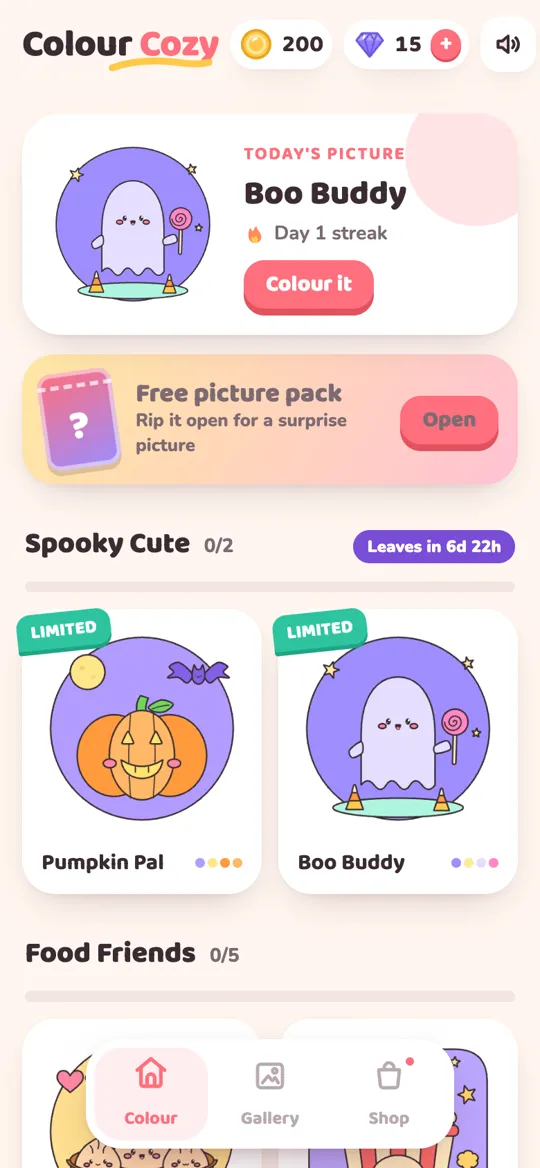
- Ads that stay out of the picture. Videos marked "AD" only play if you tap them. A full-screen ad can follow a finished picture, never in the first sessions and never while coloring. A small banner shows on the home and gallery tabs only, and a one-time No Ads purchase removes it and the full-screen breaks.
- No timers. A picture is done when your child says so.
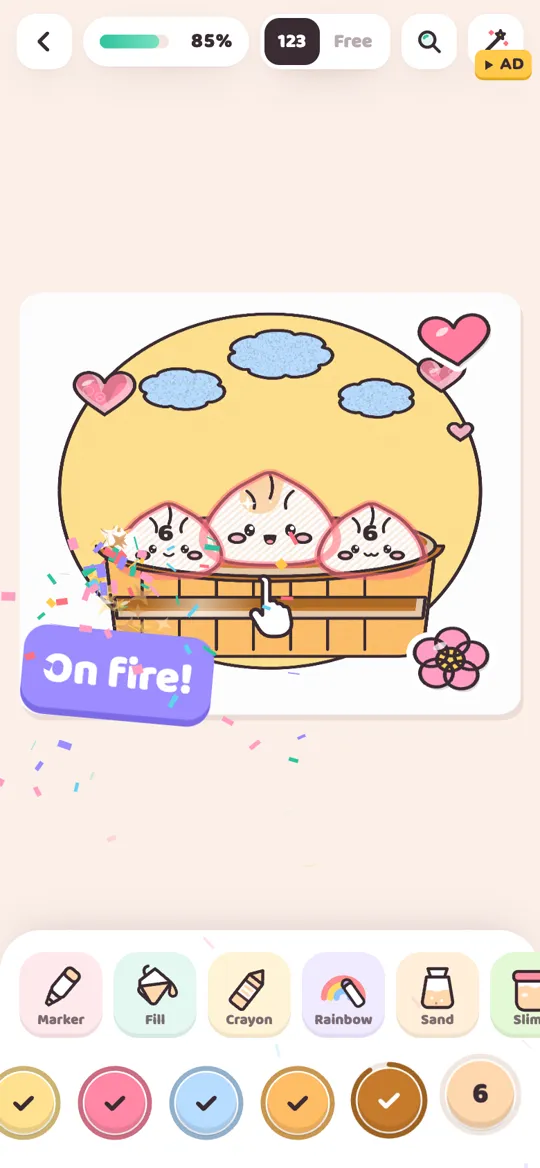
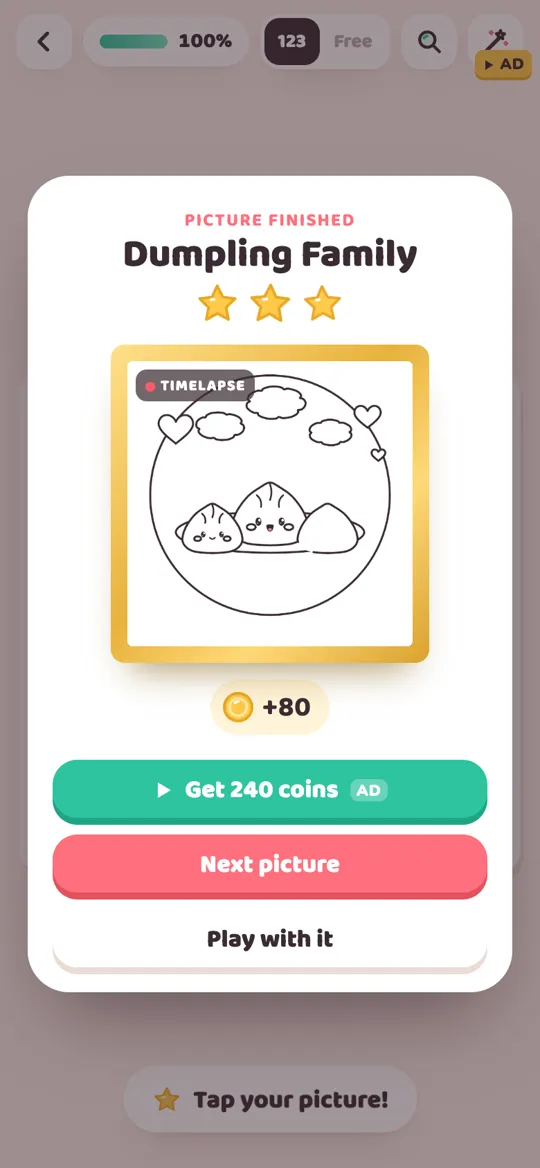
Younger kids can stick to fill and crayon. Older ones can switch to free mode and try sand or glitter. When the picture is finished, it comes alive and plays a timelapse, which most kids want to watch twice. For more on how ads work for children, see how child-directed ads work.
Simple house rules that help
The best app still works better with a few gentle rules:
- Color together the first time. Your child learns the buttons, and you learn the app.
- Agree what "AD" means. "That button plays a video. Ask me first" is easy for kids to remember.
- End on a finished picture. It is a natural stopping point, so screen time ends on a happy note.
- Mix in paper. A printed sheet on a rainy afternoon is just as fun. Our rainy day coloring activities have ideas.
FAQ
What is the best color by number app for kids?
It depends on age. Under-fives usually do best with apps made only for young children, sold in the store's Kids section. Older kids can enjoy general apps, as long as ads are labelled, purchases need a grown-up and there is no account or chat.
Is there a free color by number app for kids with no ads?
Some apps for young kids skip ads and charge a subscription instead. Most free apps show some ads. Check the store page for a "Contains ads" label and the purchase list before you install.
Are color by number apps safe for kids?
Many are, but check four things: labelled ads, a grown-up check before purchases, no account or chat, and no timers or pressure. Then play one picture yourself before your child does.
What age is color by number good for?
Simple versions with big shapes, letters or easy sums suit children from about two to five. Classic number apps suit school-age kids, and apps with free mode and extra tools keep older kids and adults interested.
Does Colour Cozy have a parental gate?
Yes. Players who enter a birth year that makes them under 13 see a small times-table question before any purchase or outside link, and they only get child-directed, non-personalised ads.