 Colour Cozy
Cozy games for Android: a simple guide to finding your calm game
Cozy games are slow, kind and low-pressure. Here is how to spot a good one on Android, which kinds to try, and how to check offline play before a trip.
In this guide
Good cozy games for Android are slow, gentle games with no fail states or pressure, such as farming life sims like Stardew Valley, building toys like Townscaper, and coloring games like Colour Cozy (coming soon to Google Play). Pick by the kind of calm you want, then read the store page for price, ads and purchases, and test offline play in airplane mode before you rely on it.
"Cozy" is not an official genre on Google Play, so you will not find one neat shelf for it. People use the word for games that feel like a warm blanket: soft colours, gentle sounds, no enemies chasing you, and nothing that punishes you for stopping halfway.
That makes searching tricky. Lists online mix very different games, and many of them need a connection, sell timers, or turn into a grind. This guide helps you choose for yourself, so you still leave with a useful plan even if none of our examples is quite right.
What makes a game feel cozy
Most cozy games share a few traits. You do not need all of them, but the more a game has, the calmer it tends to feel.
- No way to lose. You cannot fail a level, run out of lives or get a game over.
- No clock. Nothing counts down. You can put the phone down and come back later.
- Small, kind goals. Grow a crop, place a house, finish a picture. Progress is visible and gentle.
- Soft look and sound. Rounded shapes, pastel colours, quiet music and satisfying little sound effects.
- Short sessions that still count. Five minutes moves something forward.
- Light pressure to pay. Optional purchases are fine. Constant pop-ups and "hurry" offers are not cozy.
If timers are the thing you most want to avoid, our guide to games without timers explains how to spot hidden countdowns, such as energy bars and limited-time events.
Three kinds of cozy games for Android
Think in kinds first, then pick a game. It is much easier to find the right one when you know which feeling you are after.
| Kind | What you do | Example | Android |
|---|---|---|---|
| Farming and life sim | Grow crops, chat to neighbours, decorate a home | Stardew Valley | Yes, per its official site |
| Building toy | Place blocks and watch a little town take shape | Townscaper | Its official site links Google Play |
| Coloring game | Fill a cute picture with colours and textures | Colour Cozy | Coming soon to Google Play |
Offline play is not listed clearly for every game, so test it yourself with the steps further down.
Farming and life sims are the classic cozy pick. Stardew Valley's official site opens with the idea that you have inherited your grandfather's old farm, and it lists Android among its platforms. Games like this are deep and can last for months, which is wonderful if you want one long, slow world to live in.
Building toys are lighter. Townscaper's official site calls it "more of a toy than a game", and you build island towns block by block. There is no goal you must hit, so it suits short, quiet breaks.
Coloring games sit somewhere in between: a clear, small goal (finish the picture) with lots of room to play. They are a good fit for people who want something calming to do with their hands but not a whole world to manage. If you are an adult wondering whether coloring games are "for you", our post on coloring games for adults covers the different styles.
How to check if a cozy game works offline
Many people search for cozy games for Android because they want something for a flight, a car trip or a patchy connection. Store pages do not always say clearly what works offline, so the most reliable answer is a quick test at home.
- Install the game on Wi-Fi and open it once, so any first-launch downloads finish.
- Play for a few minutes and finish one small task, such as a day on the farm or one picture.
- Close the game completely from your recent apps.
- Turn on airplane mode and make sure Wi-Fi is off too.
- Open the game again and try the same kind of task.
- Note what is missing. Often the core game works but videos, shops, events or cloud saves do not. Decide whether that matters to you.
- Turn airplane mode off and check that your progress is still there.
This test takes about two minutes and saves a lot of disappointment at 30,000 feet. It also shows you which features rely on a connection, which is useful to know for children's games.
Where Colour Cozy fits
We make Colour Cozy, so here are the facts, kept plain. It is a calm ASMR coloring game for Android by DIGCY, coming soon to Google Play.
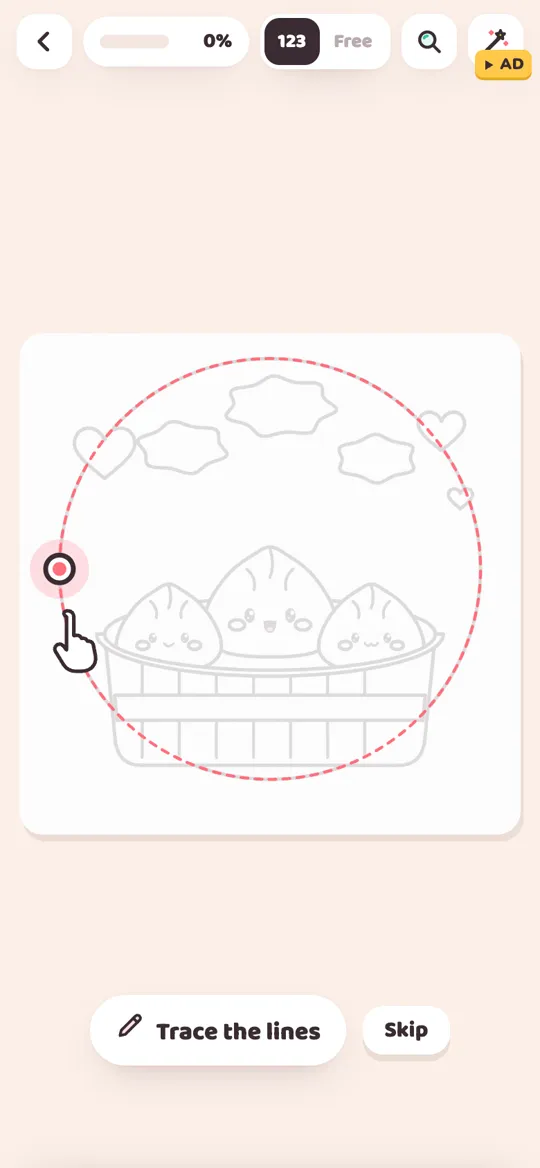
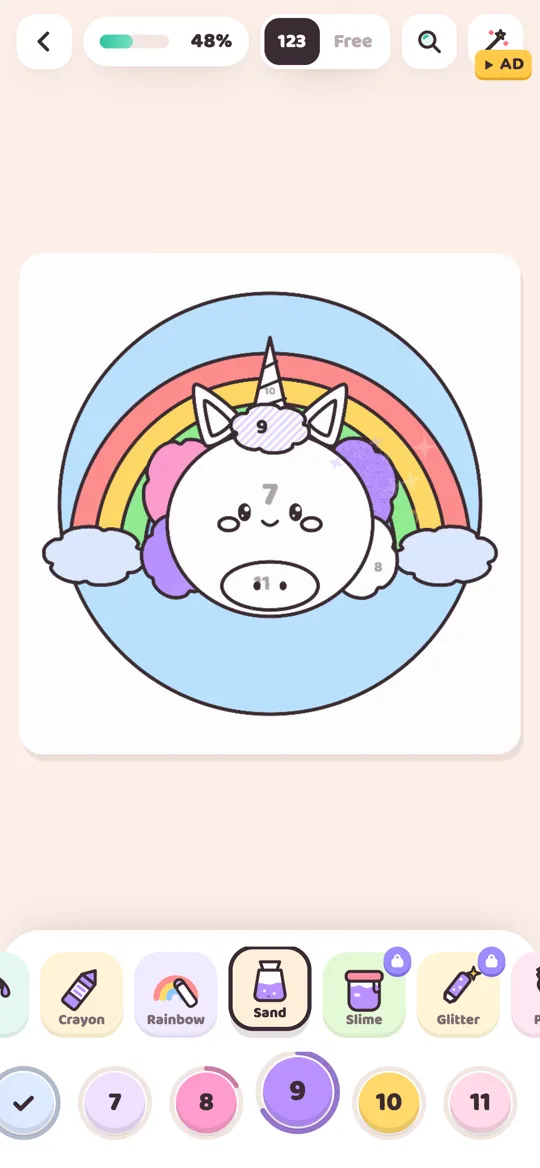
You start each picture by tracing its outline with your finger. Then you colour by number or switch to free mode. There are 12 tools: fill with a wet edge, marker, crayon, rainbow, ombre, sand, spray and stickers, plus the pro tools slime, glitter, puffy paint and neon. If you pick a colour that does not match in number mode, a gentle hint shows you. Pinch zoom helps with tiny parts, and there are no timers.
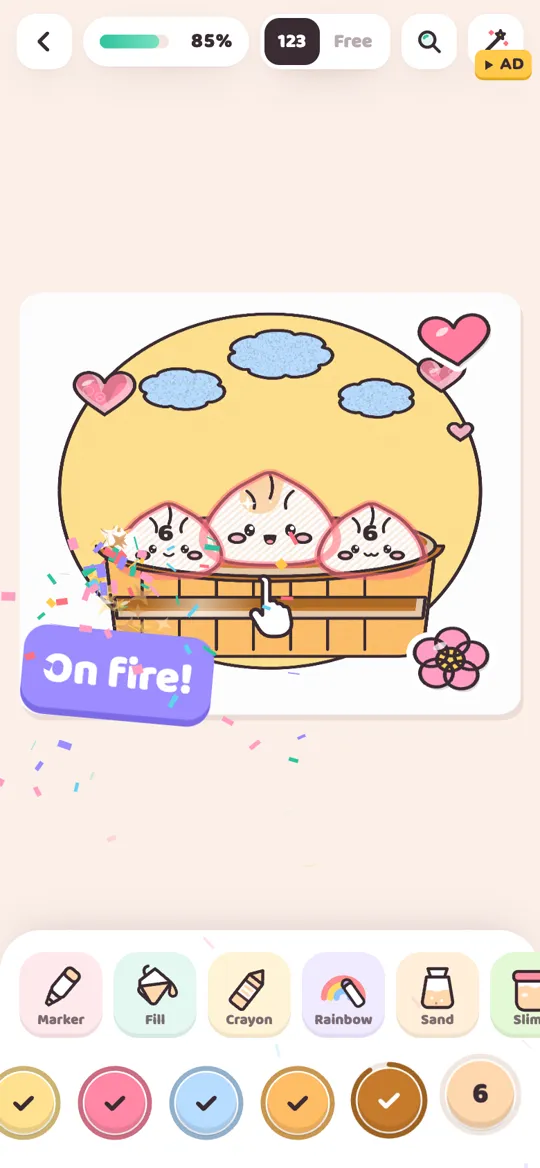
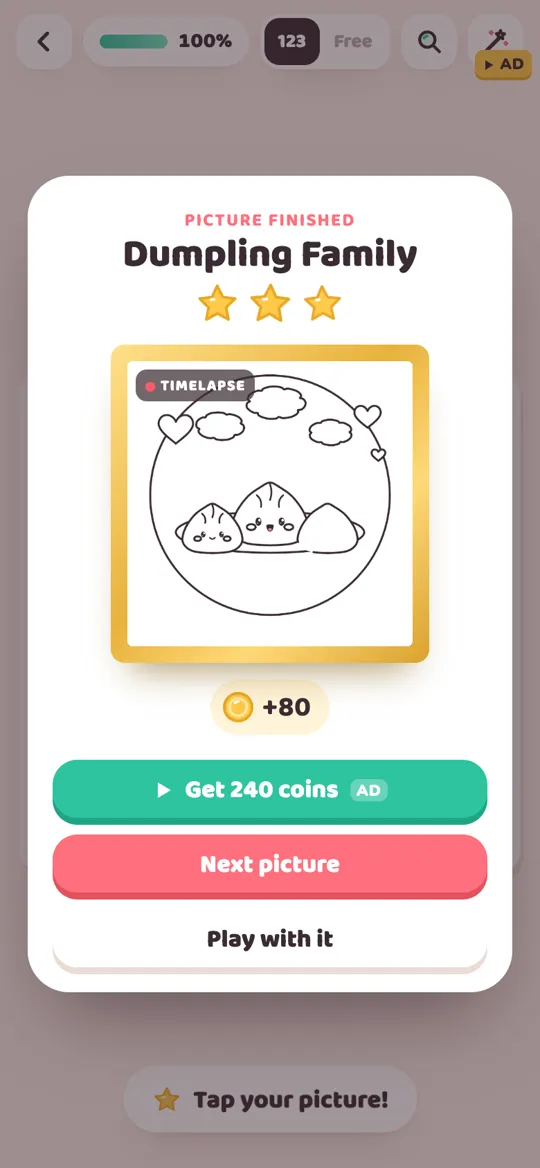
When you finish, the picture comes alive and plays a timelapse of everything you coloured, and it becomes a foil card in your binder. Each day there is a free picture pack and a daily gift. Pictures include dumplings, boba, ice cream, a baby dino, a sleepy bunny, a whale, a rainbow unicorn, a space rocket and a monster truck, plus a limited Spooky Cute pack.
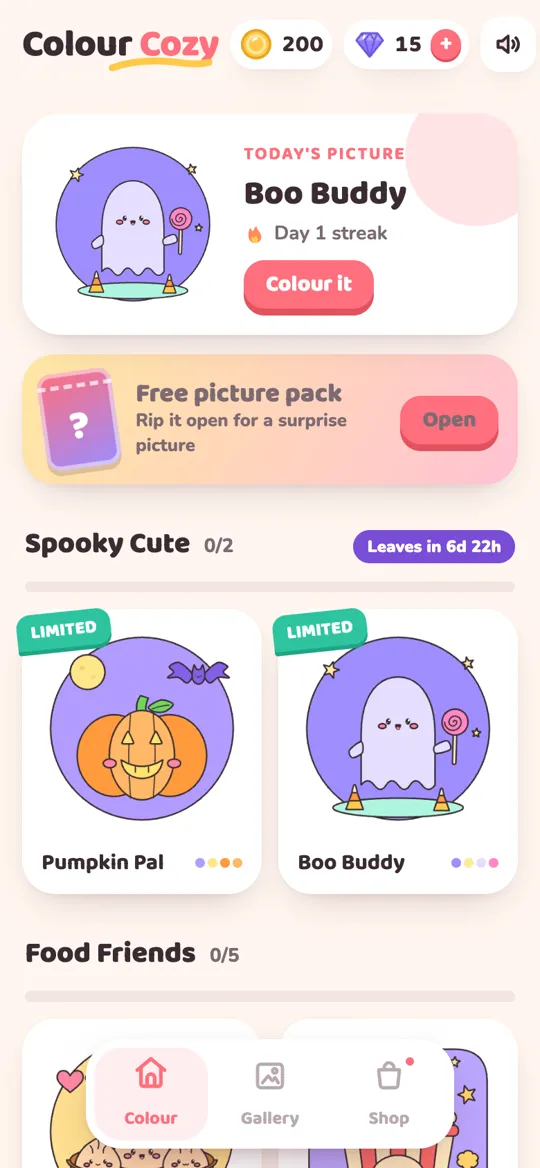
About the cozy checklist above: the game's pictures and tools are packaged inside the app rather than loaded from a website, while optional reward videos and purchases need a connection. It is free, with optional reward videos, an occasional full-screen ad after a finished picture (no banners) and optional in-app purchases. Some tools and colour packs unlock with a video, gems or a purchase. There is no account, and progress is saved on your device. The game uses real ASMR sounds. Curious about the sound side? Read what ASMR coloring is.
Tips for a cozier phone session
The game is only half of it. A few small habits make any cozy game feel calmer.
- Turn off notifications for the game in Android settings if reminders feel pushy.
- Use headphones for games with soft sound design. Little details come through much better.
- Lower the brightness in the evening, or use your phone's dark or night light setting.
- Pick a stopping point first. "One picture" or "one in-game day" is easier to keep than "a few minutes".
- Pair it with something offline. A cup of tea, a blanket, or a paper coloring page next to you. Our list of cozy hobbies to try at home has more ideas.
Choosing cozy games for kids
Cozy games often suit children because there is no failing. Still, check three things before you hand one over: the age rating, the in-app purchase list, and the data safety section on the store page. Then play a little yourself and notice when ads appear and what they show. Our parent checklist for coloring apps walks through each step, and most of it works for any cozy game.
FAQ
What counts as a cozy game?
A cozy game is a slow, gentle game with no way to lose, no countdown timers and small, kind goals, such as growing a farm, building a town or finishing a picture.
Are there cozy games for Android that work offline?
Many cozy games can be played without a connection, but store pages are not always clear. Install the game on Wi-Fi, play once, then reopen it in airplane mode to see what still works before a trip.
Are cozy games for Android free?
Some are free with ads or optional purchases and some are paid up front. Read the store page for the price, the in-app purchase list and whether it contains ads before you install.
Is Colour Cozy available on Android now?
Not yet. Colour Cozy is coming soon to Google Play. The button on this page will link to the store as soon as it is live.
Do cozy games work on Android tablets?
Most Android phone games also run on tablets, and building or coloring games often look better on a bigger screen. Check the store page for device notes before you install.