 Colour Cozy
Coloring games for adults: how to pick one you will keep playing
Color by number, free coloring, cute art or fine detail. Here is what actually changes between coloring apps, and a short checklist so you can choose in minutes.
In this guide
A good coloring game for adults lets you play at your own pace, with no timers or levels to fail, and shows you clearly how ads, purchases and saving work. First decide which style you enjoy: color by number for a calm, guided session, or free coloring if you like choosing every shade. Then check four things before you get attached: ads, account and privacy, how much is free, and whether you can save or share what you make.
Coloring is not just for kids, and plenty of grown-ups already know it. A picture, a set of colors and twenty quiet minutes is a simple way to spend an evening. What has changed is where people do it. Next to the coloring books, there is now a whole shelf of apps.
That shelf is crowded, and the apps look alike in screenshots. This guide explains what really separates coloring games for adults, gives you a short checklist to run before you settle on one, and shares a few ideas for making it a hobby you return to.
We make a coloring game, Colour Cozy, so we mention it where it helps. The checklist works for any app.
The main types of coloring games
Most coloring apps fall into one of a few styles. Knowing which one you enjoy saves a lot of trial and error.
- Color by number. Every area has a number, and each number matches one color. You tap a number, then fill its areas. It is calm and guided, and you always know what to do next.
- Free coloring. You get an outline and a palette, and every choice is yours. It suits people who like planning colors or trying a new palette.
- Fine-detail pages. Mandalas, patterns and busy scenes with hundreds of tiny shapes. A long session can go into one page.
- Cute and simple art. Big, friendly shapes with soft outlines, often in a kawaii style. Pages finish faster, so they fit a short break.
- Effect-heavy coloring. Tools that go beyond flat paint, like glitter, textures or animated fills. The look and sound of each tool is part of the fun.
Many apps mix two or more of these. If you are not sure which mode suits you, our comparison of color by number vs free coloring goes through both in detail.
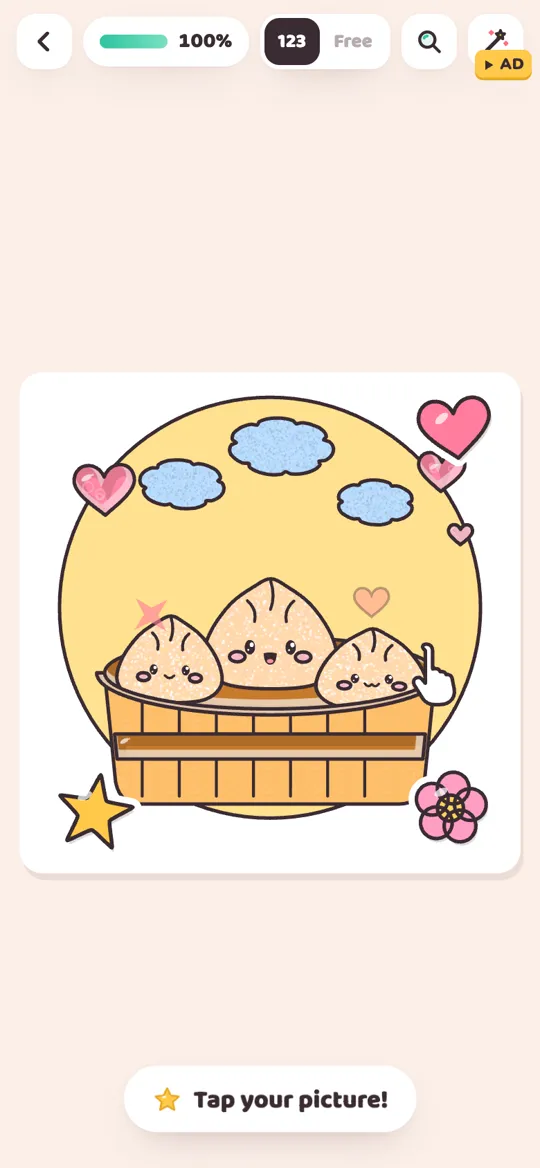
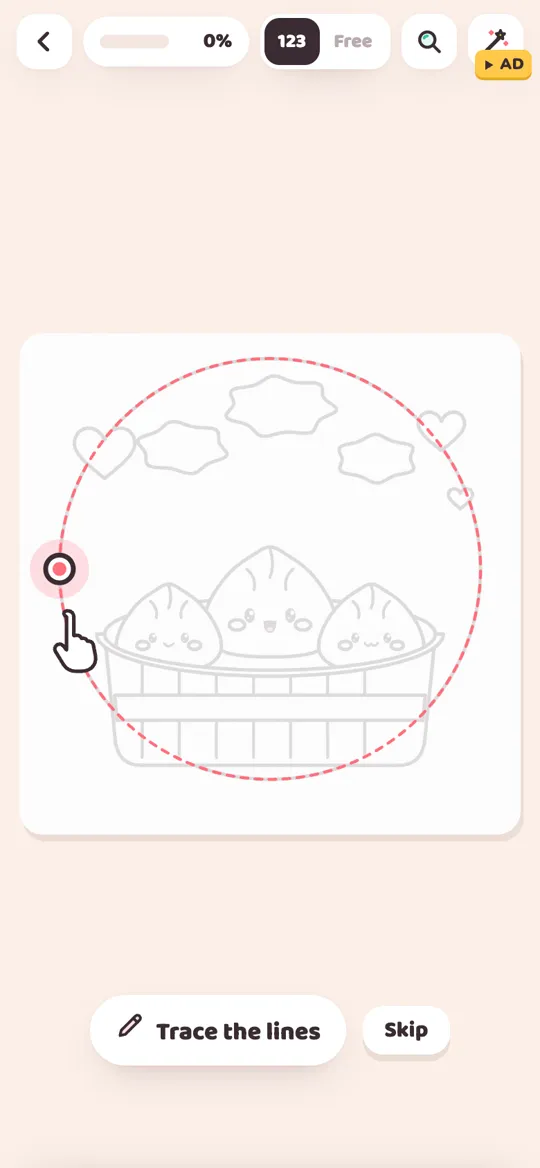
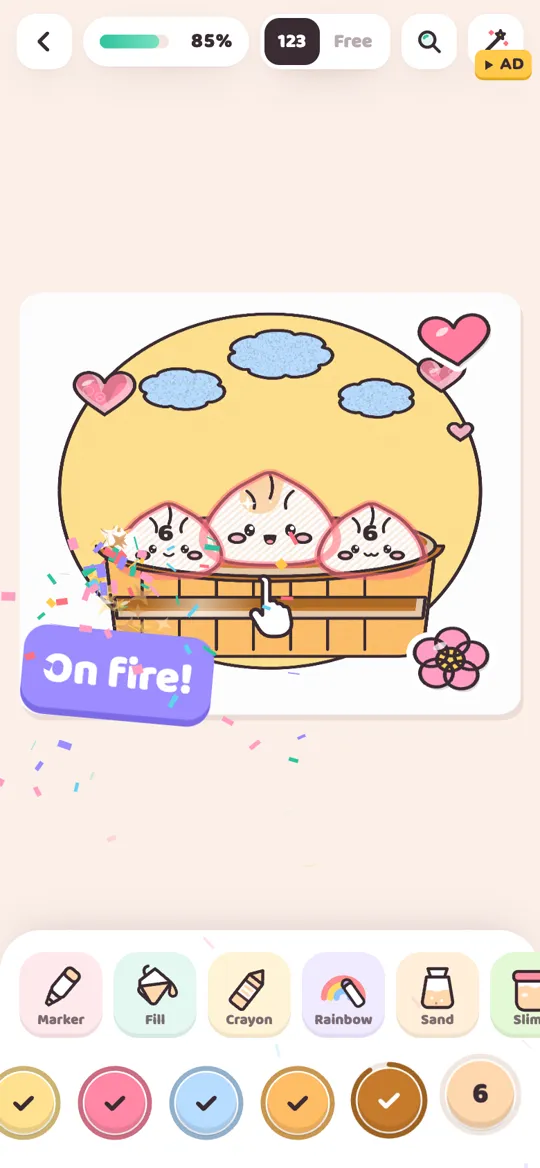
Colour Cozy sits in the cute-art corner. Pictures include dumplings, boba, a sleepy bunny, a whale and a monster truck. You trace the lines first, then color by number or switch to free mode.
A quick checklist before you get attached
The first few minutes of any app feel nice. What decides whether you keep playing usually shows up later. Run through these steps before you spend real time on a gallery of pictures.
- Play one full picture. Start and finish a single page. Notice whether anything interrupts you along the way, and what happens at the end.
- Look for timers and levels. A calm hobby should not have a countdown. Check that you can stop halfway and pick up later without losing anything.
- Check how ads work. Are there banners on screen while you color? Do ads play on their own, or only when you choose to watch one for a reward?
- Read what is free. Find out which pictures, colors and tools you get without paying, and how the rest unlock. A clear answer is a good sign.
- Check account and privacy. Does the app ask you to sign up? Read the privacy page to see where your progress and pictures are stored.
- Try saving and sharing. Save one finished picture to your gallery. If you like sending art to friends, see how easy that is.
- Turn the sound up, then down. Sounds can be a big part of the feel. Make sure you can switch them off for a quiet room.
Here is how Colour Cozy answers those questions, so you can compare. There are no timers. It is free to play, with no banner ads. Some tools and color packs unlock with an optional video, with gems or with in-app purchases, and an occasional full-screen ad can show after a finished picture. There is no account, and progress is saved on your device. You can save finished pictures and share them or a timelapse. Sound can be turned on or off in Settings.
What makes a coloring session feel calm
Beyond the checklist, a few smaller things decide whether an app feels relaxing or fussy.
Forgiving mistakes. Coloring should not feel like a test. In color by number, Colour Cozy shows a gentle hint when a color does not match an area, instead of a buzzer or a penalty.
Zoom for small parts. Adults often enjoy the tiny details most. Pinch zoom lets you get close to small shapes so your finger does not spill into the next area.
Sound and texture. On a smooth screen, sound does a lot of work. Colour Cozy uses real recorded ASMR sounds for each tool, from the hiss of spray to the pour of colored sand. If that idea is new to you, our guide to ASMR coloring explains it.
A sense of progress without pressure. A small progress bar and a cheer when you are close to done can feel nice. A daily streak you are afraid to break usually does not.
How to make it a hobby you return to
The app is only half of it. A few habits turn coloring from something you try once into something you look forward to.
- Pick a time, not a goal. Decide on a moment, like after dinner or before bed, instead of a number of pictures. Our cozy evening coloring routine has a simple plan for this.
- Set up your corner. A comfy chair, warm light and a cup of tea do more than any feature. Put your phone or tablet on a stand if you like longer sessions.
- Choose one picture per session. Starting several at once can feel scattered. Finishing one gives a small, clear ending.
- Try one new thing each week. A new palette, a new tool or a picture you would not normally pick. Small changes keep it fresh.
- Keep what you make. Save finished pictures and look back at them now and then. It is nice to see how your color choices change.
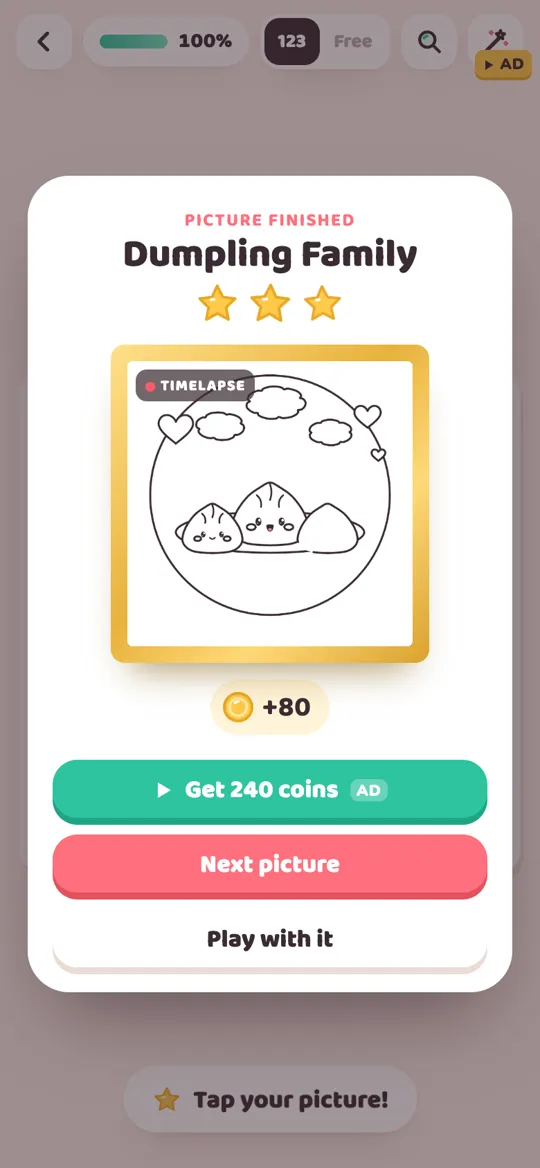
In Colour Cozy, each finished picture comes alive, plays a timelapse of how you colored it and becomes a foil card in a binder, which gives you a natural place to look back. A free picture pack and a daily gift are there each day, but nothing is lost if you skip one.
Paper, screen or both?
Coloring apps are handy for short breaks and travel, and they make effects like glitter or sand possible. Paper still wins for feel and for having a real page to hang up. Many adults use both: books for slow weekends, an app for ten minutes on the sofa.
If you are deciding between the two, our honest look at digital vs paper coloring lays out the trade-offs side by side.
FAQ
Are coloring games only for kids?
No. Many coloring apps are made for a mixed audience. Adults often enjoy the slow pace, the sounds and the chance to plan colors, while kids tend to love the special tools.
Is color by number or free coloring better for adults?
Neither is better. Color by number is relaxing because the choices are made for you. Free coloring suits people who like picking every shade. Many apps, including Colour Cozy, offer both.
Do I need an account to play Colour Cozy?
No. You do not sign up. Your pictures, coins and unlocked colors are saved only on your device, as explained in the privacy policy.
Does Colour Cozy have ads?
It is free with optional reward videos and an occasional full-screen ad after a finished picture. There are no banner ads while you color. Optional in-app purchases are also available.
Can I play without sound?
Yes. Colour Cozy has real recorded sounds for every tool, but you can turn sound on or off in Settings whenever you like.
When can I get Colour Cozy?
Colour Cozy is coming soon to Google Play for Android. The button on this page will link to the store as soon as it is live.